01 — The Overview
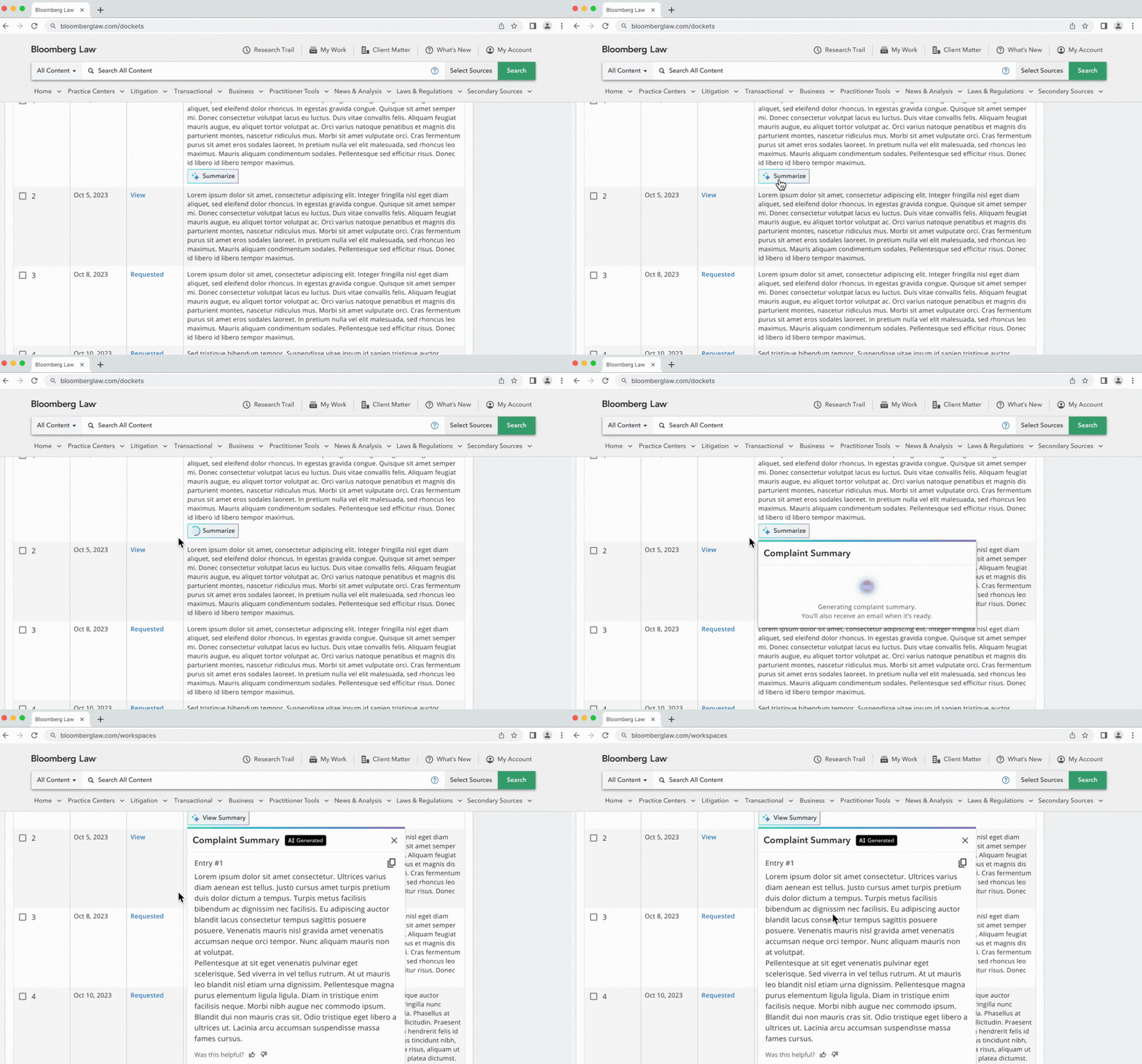
Bloomberg Law is essentially a search engine for lawyers, a legal database attorneys rely on to find legal information (e.g. regulatory law, case law, and statutes) dating back decades. At the start of 2024, the President of Legal Products wanted to build a ChatGPT for lawyers. He's a former attorney himself and was drawn to how quickly ChatGPT could generate full documents. The goal was to bring that speed to legal drafting and reduce the time attorneys spend writing.
The timeline of this project spans from 2024 to present day. For that stretch, I owned the design process from research planning through recommending how to be a differentiator in a lot of AI noise.
Team
- Product Designer as lead designer (myself)
- Senior Design Manager as Research Planner
- Principal Product Manager (and licensed attorney) as Co-Moderator
- Product Delivery Manager as Recruitment Planner
02 — The (Assumed) Problem
The original hypothesis and why it was wrong
It's worth defining what drafting actually means for lawyers. Drafting is to lawyers what designing is to designers. It's not just writing. It's deep research, sifting through thousands of documents, rounds of editing, and coordination across roles from assistants to executives.
The original direction was to build drafting workflows inside a chat interface. The assumption was that attorneys need to write faster, and that chat was the fastest path. The assumption that chat could accelerate this didn't hold up. Lawyers couldn't trust the output. They didn't understand how the AI was generating documents, which meant they couldn't verify it, and unverifiable work creates more effort, not less.
03 — Findings and Insights
Three studies. 40+ attorneys.
Study 01 · Litigator Workflows · 14 Interviews
We spoke to 14 litigators to establish a definitive product direction. The major pain points were finding examples to get started, anxiety about missing something critical after reading thousands of documents, and the time lost switching between tools to complete a single task. Their document systems were hard to use and offered little collaboration.
Study 02 · Drafting Tool Evaluation · 6 Interviews
A PM and developer built a complex writing wizard and asked UX to refactor it around design principles and company branding. However, the Chief Product Officer shut it down — it was too large a feature with no user validation behind it. That was the pivot moment that redirected the entire initiative.
Study 03 · Generalized Workspace · 28 Interviews
We spoke to 28 attorneys across litigation, transactional, and in-house contexts to identify shared pain points. Every attorney, regardless of practice area, shared the same two: finding exemplary documents to get started, and analyzing multiple documents without missing critical details. The surprise finding wasn't the tasks. It was the sentiment toward AI. A year prior, most attorneys couldn't imagine mixing AI and legal practice. By the third study, the late adopters were the minority.
The Shift
This was a turning point for the product department. The business knew it needed to build AI products but finally had clear answers about where AI could actually add value. The consensus shifted: writing wasn't where attorneys wanted AI involved. By late 2025, many attorneys had started using AI because their firms pushed them to, but trust was still the central issue. The product had to earn that trust.
04 — Competitive Context
A crowded market of AI workspaces
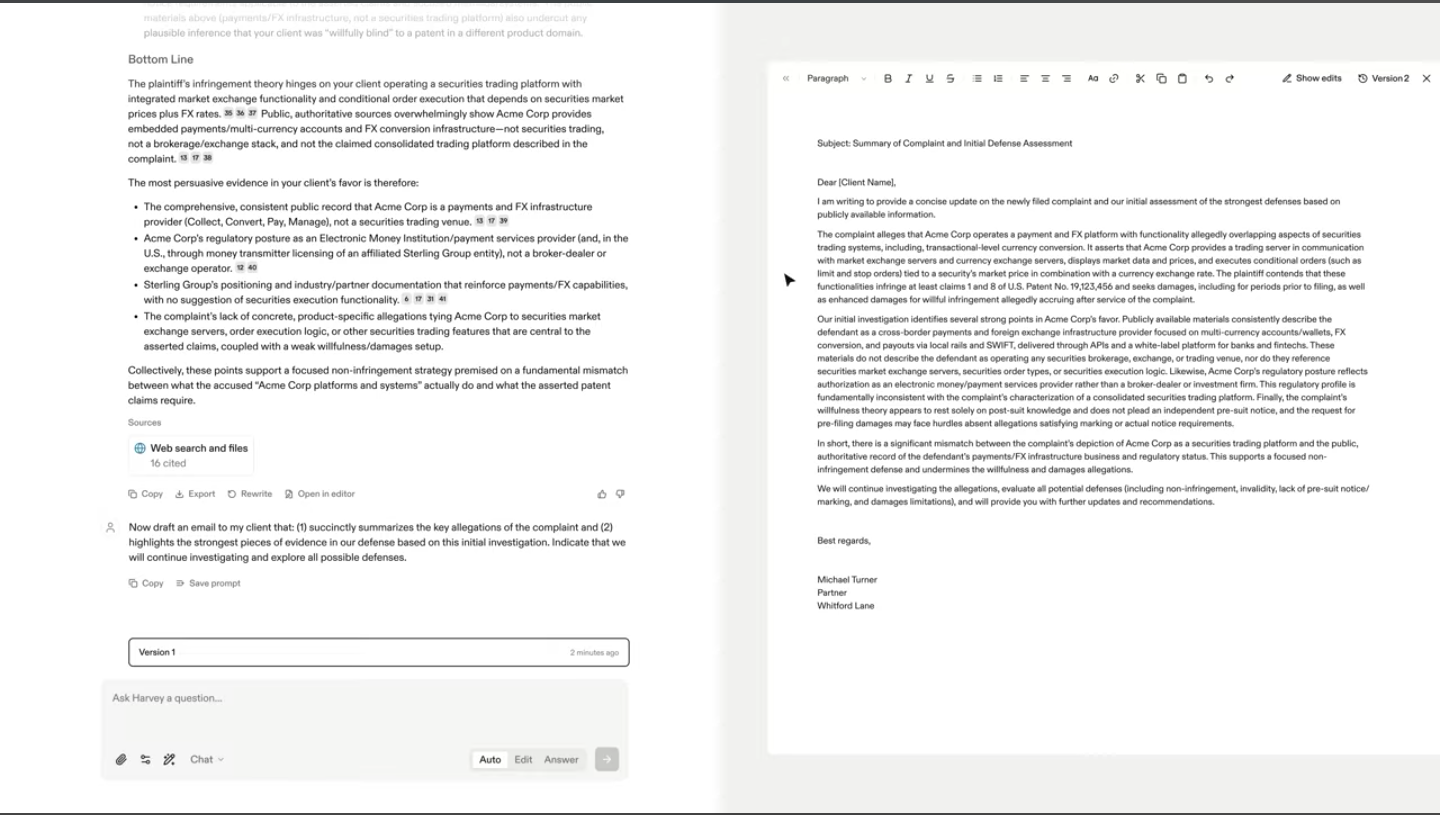
Harvey AI
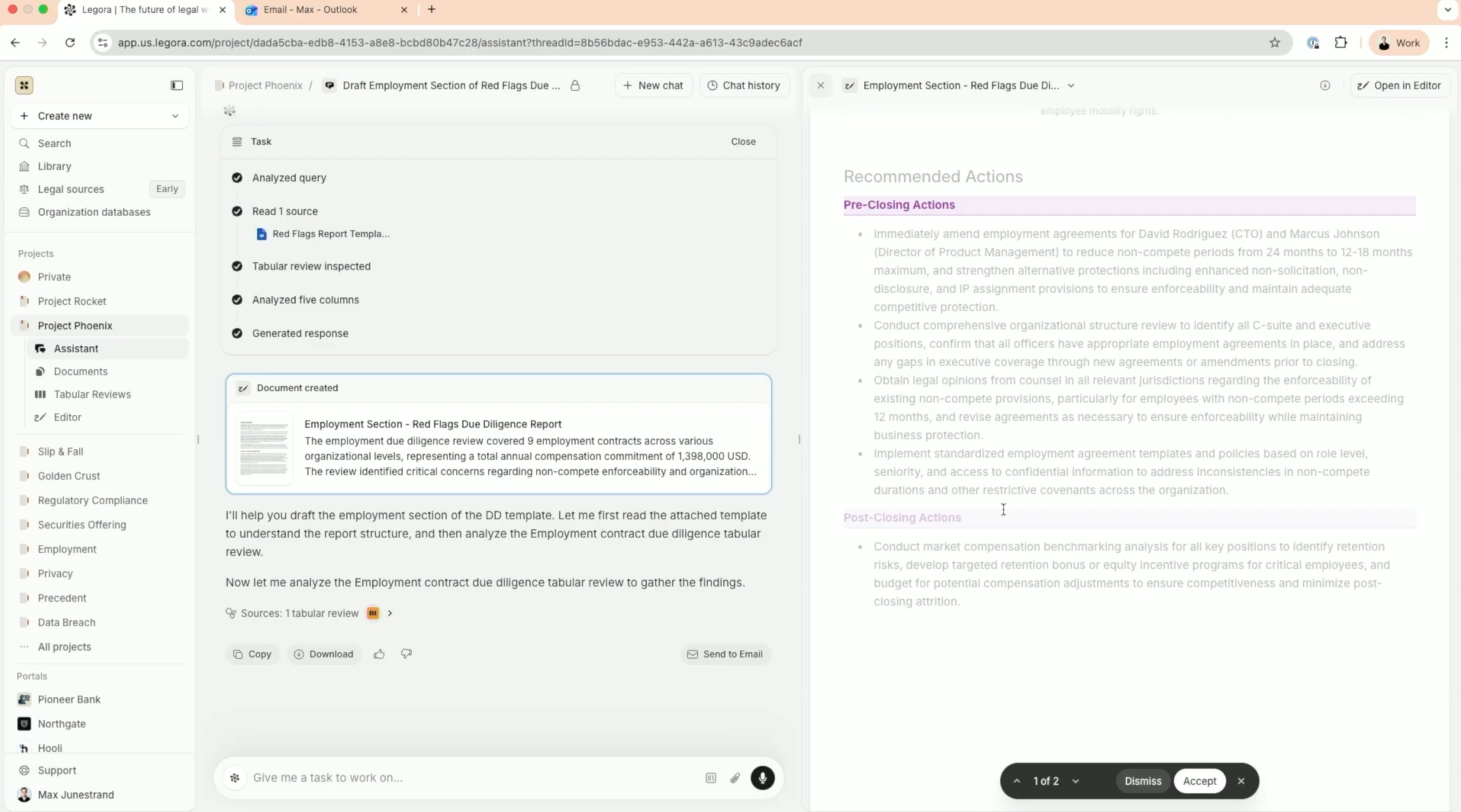
Legora
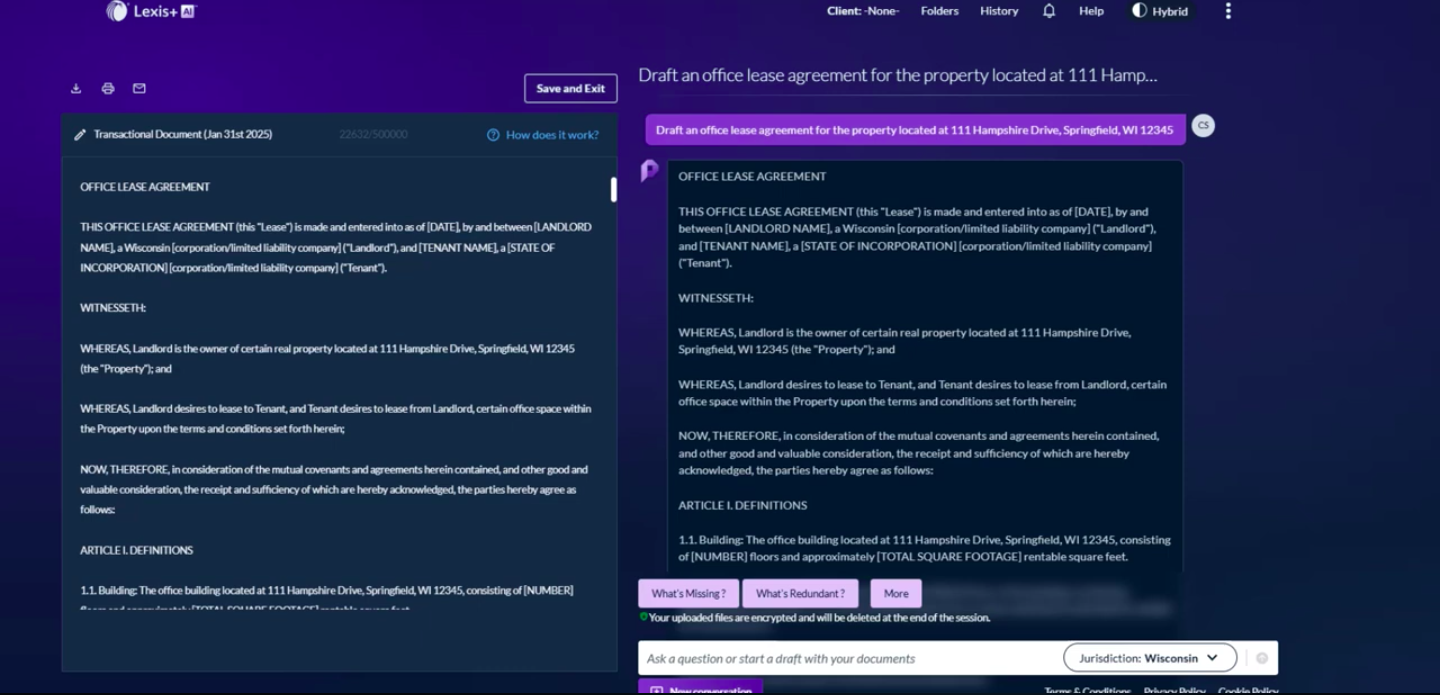
Protege by LexisNexis
CoCounsel by Westlaw
AI-First Legal Tools
Harvey AI and Legora cleared the early adoption hurdles around data security and DMS integration. Strong adoption, but a consistent weakness: they are not inherently intelligence platforms. Attorneys report underperformance on research depth.
Direct Competitors
LexisNexis and Westlaw have released AI workspace experiences with mixed reception. Their retention comes from their research collections and document repositories, not the workspace itself.
Bloomberg's Opening
Every competitor has released a workspace. But it's not just about which tools are within reach, it's about how those tools are within reach. Bloomberg Law hasn't entered the workspace market yet, which means there's still an opening to be first with a new approach on how to be involved in legal workflows.
05 — The Design Challenge
The first mistake was the panel layout. Here's why.

Something that had always stuck with me was that a chat interface is too linear for how lawyers actually work. Legal work is iterative, just like design. A workspace felt like the only platform that could support the tool-switching their process requires.
The Core AI team had started sketching workspaces and kept landing on three-panel layouts, referencing ChatGPT Projects, NotebookLM, and Slack. The logic made sense: one panel for documents, one for notes, one for the AI assistant. At least four competitors had released something similar. But something felt off. We were trying to build a dynamic workspace and the panels weren't capturing that. We were still just shuffling tools around.
The Moment It Clicked
A design manager suggested to watch former attorneys while they worked at their desks. The way they managed their screens was something I hadn't fully considered. They weren't just clicking through tabs, they were expanding and collapsing windows, sizing each one like a puzzle piece so everything stayed within reach at once. Encasing tools in fixed panels was the wrong model entirely. The workspace had to mirror how attorneys think spatially, not how software typically organizes information.
06 — Design & Impact
An AI platform flow
These screens represent AI Workspace as an editable canvas. A canvas-based interface mirrors how legal professionals actually think and work spatially. This interaction design is currently being evaluated by a large law firm customer and they're reporting 15% reduction in their non-billable hours.
Start Projects With Natural Language Queries
Starting new legal projects is a major pain point. Users spend non-billable hours searching for exemplary documents just to get started. The AI Workspace lets users describe their project in natural language to instantly spin up a workspace, pulling in relevant projects, relevant search history and sources directly onto an editable board.
Document Review and Notetaking Are Now Unified.
Attorneys lose time and billable-hours moving between research tools and pasting research into Word docs. But for them it's a must to take notes throughout the search and analyses phases of their workflow. This interaction explores how they can link sources and reasoning in a unified experience.
Multi-document (AI) Analysis
Analyzing exemplary documents is time-consuming legal work that attorneys can't bill for. The AI workspace reduces non-billable hours; users can select and analyze multiple documents integrated from their document management system without leaving the workspace.
Clear Space. Keep Context.
As a workspace fills up, staying focused gets harder. Pinning widgets to either edge keeps them within reach while clearing space for the work that needs attention right now.
AI Assistant That Moves With Your Workflow
The chat panel is dockable. Users can pin it to the left or right as a persistent sidebar, snap it to the bottom as a traditional input bar, or float it freely anywhere on the canvas.
07 — Reflection
What I'd do differently — and what's coming next.
We could've found a definitive product direction months sooner. The first two research studies were built on assumptions we should never have made, narrowing to litigators only and refactoring a drafting tool that had never been validated with users.
The second thing I'd change is how early I pushed back on the panel-based interaction model. We spent too long chasing the design language of ChatGPT when we should've been chasing how our users actually organize information.
The next phase for this workspace is agentic experiences that actually move through the canvas with the user — reading their notes, surfacing their highlight annotations, and generating real AI artifacts like drafted documents and emails directly from their research. Not another chat prompt. An AI that understands the full context of what's already on the board and acts on it. That's the version of this product I'm most excited to design.